
Your Google Business Profile can bring in calls, bookings and direction requests without a big ad budget. For physio clinics, it is often the first thing a patient sees when they search for treatment nearby. If the profile is weak, incomplete or inconsistent, you will lose enquiries to a clinic down the road.
The good news is that most physio clinics are still doing the basics poorly. That gives you room to win. Better categories. Better services. Better photos. Better review habits. Better local signals. None of this is complicated, but it does need to be done properly.
This guide covers the practical changes that help physio clinics get more from Google Business Profile. If you are also working on suburb targeting, read Local Local Search Strategy for Physio Clinics: How to Rank for Suburb and Near Me Searches as the next step.
Get the fundamentals right first
Before you worry about posts or photos, fix the core business details. Google wants accuracy. Patients want trust. You need both.
- Business name: Use your real clinic name. Do not stuff suburbs or extra keywords into it.
- Primary phone: Use a local number that connects directly to your clinic or front desk.
- Address: Match the address shown on your website and key directories.
- Website link: Send users to the most relevant page. In many cases, that means a strong service page or clinic location page.
- Opening hours: Keep them current, including public holiday changes where possible.
- Business description: Write a clear summary of who you help, what you treat and where you are based.
If your profile details do not match your site and citations, Google gets mixed signals. Patients do too. A clean setup supports stronger local performance and better conversion from people who are ready to book.
Choose the right categories
Your categories tell Google what your clinic does. This matters more than many owners realise. It affects when your profile can appear in map results and what search intent you line up with.
Pick the best primary category
For most clinics, the primary category should be the closest fit to your core service. In many cases that will be Physiotherapist or Physical Therapist, depending on the options available in your region and account. The key point is simple. Choose the category that best represents your main service, not a side offering.
Do not switch categories constantly. Pick the strongest match and stick with it unless there is a clear reason to change.
Add useful secondary categories
Secondary categories can help support your wider service mix, but only if they are accurate. If you offer sports rehab, remedial massage, pilates-based rehab or women’s health physio, check whether there are relevant category options that genuinely fit your clinic.
Do not add categories just because they might attract more searches. If they do not reflect what you actually deliver, they can create poor leads and weaken relevance.
A smart category setup improves how Google understands your clinic. It also supports the wider search strategy for physiotherapy clinics when your website and profile are aligned.
Build out your services properly
The services section is one of the most underused parts of a physio clinic profile. Many practices leave it empty or add vague labels. That is a missed chance.
Services help Google connect your clinic with specific treatment intent. They also help potential patients decide if you are the right fit before they click through.
List real treatment areas
Add the services you actually provide. Think in terms of patient demand and treatment types, not internal jargon. Examples might include:
- Sports injury physiotherapy
- Back pain treatment
- Neck pain physiotherapy
- Post-operative rehabilitation
- Work injury rehabilitation
- NDIS physiotherapy
- Pelvic health physiotherapy
- Dry needling
- Clinical pilates
If a service is important enough to bring in bookings, it should be reflected on both your website and your Google Business Profile.
Write short, clear service descriptions
Where Google allows descriptions, keep them short and practical. Focus on the condition, patient type or outcome. For example:
- Sports injury physiotherapy: Assessment and rehab for sprains, strains and return to sport planning.
- Back pain treatment: Hands-on treatment and exercise programs for acute and ongoing back pain.
- Post-operative rehabilitation: Recovery plans after orthopaedic surgery to rebuild movement and strength.
Avoid keyword cramming. Write for a person deciding whether to call.
Use photos that build trust fast
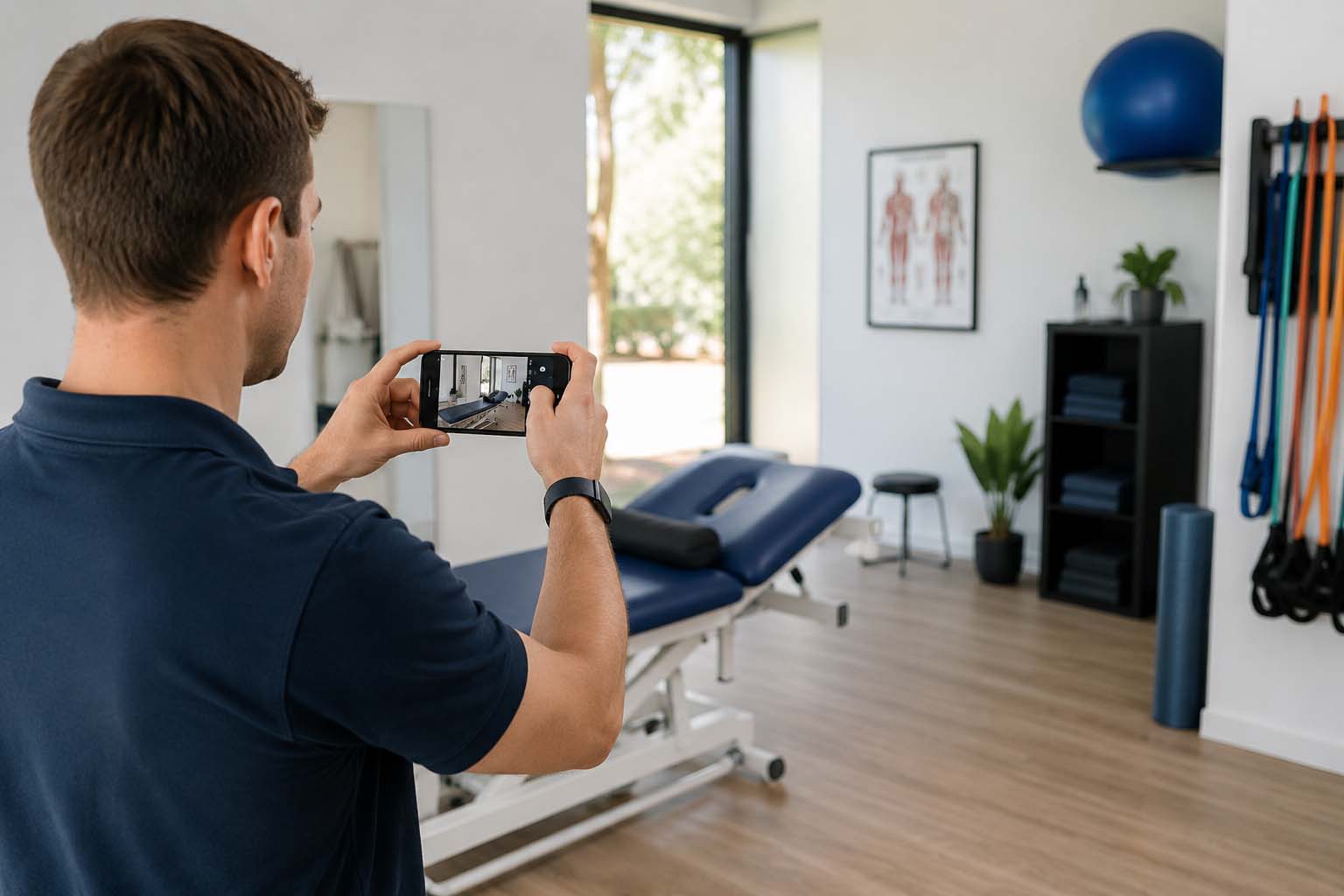
Photos do more than make the profile look active. They help patients decide if your clinic feels professional, welcoming and credible. They also give Google fresh content to associate with your business.
What to upload
- Exterior photos: Make it easy for new patients to find the clinic from the street.
- Reception and waiting area: Show a clean, organised practice.
- Treatment rooms: Give a realistic view of the space.
- Gym or rehab area: Useful if exercise rehab is a major part of your service.
- Team photos: Professional but natural photos of your physios and support staff.
- Equipment photos: Especially if you have rehab equipment, pilates reformers or sports rehab setups.
What makes a good clinic photo
Keep them bright, current and genuine. Use real images from your clinic, not generic stock shots. Patients can tell the difference. If your profile is full of polished stock images and your clinic looks nothing like that in person, trust drops quickly.
Update photos regularly. A fresh batch every couple of months is enough for most clinics. This also helps if you have renovated, expanded or added new treatment spaces.
Reviews matter, but the way you ask matters more
Reviews can influence both rankings and patient decisions. But the clinics that do well here are not always the ones with the most reviews. They are the ones with a steady flow of genuine, recent feedback that mentions the right details.
Ask at the right time
The best time to request a review is when the patient has had a clear win. That might be after finishing a treatment plan, returning to sport, reducing pain or feeling confident with self-management.
Keep the ask simple. Front desk staff can mention it at checkout. Physios can raise it at the end of a successful treatment block. SMS and email follow-ups also work well if they are short and easy to action.
Guide without scripting
You should never pressure patients or tell them exactly what to write. But you can make the request more useful by prompting naturally. For example, ask them to mention:
- The issue they came in with
- The type of treatment they received
- The suburb or clinic location
- The staff member or team experience
A review that says, “Great service” is nice. A review that says, “I saw the team in Hawthorn for post-op knee rehab and felt supported through the whole process” is far stronger.
Reply to reviews properly
Replying shows you are active and engaged. It also gives you another chance to reinforce relevance. Keep replies warm, brief and professional. Thank the patient, acknowledge the treatment context in a general way and invite them back if needed.
Do not overthink every response. The main goal is consistency.
Use Google posts for timely updates
Google posts are not the most powerful feature on the profile, but they are still useful. They show activity, support engagement and let you highlight current offers or clinic updates.
What to post about
- New physio services
- New clinician joins the team
- Extended opening hours
- Sports season injury screening
- Running assessment availability
- Holiday trading hours
- Community event sponsorships
Posts should be short and useful. Write them like mini notices, not blog articles. Add a relevant image and a clear call to action where appropriate.
If you are struggling to post regularly, once or twice a month is enough. The point is to keep the profile active, not to turn it into a newsroom.
Add a booking link that removes friction
If patients have to hunt for your booking page, some will give up. Google Business Profile gives you a simple way to reduce that friction.
Add your direct booking link if you use an online booking system. Make sure it goes to the right location, service or practitioner selection page where possible. The fewer steps between the search and the appointment, the better.
Check the booking path on mobile
Most local health searches happen on phones. Test your booking flow on mobile yourself. Can a new patient choose a service easily? Is the clinic location obvious? Are the practitioner names clear? Does the page load quickly?
If the booking process is clunky, your profile can still attract interest but the enquiry may never happen.
Strengthen local relevance beyond the profile itself
Google Business Profile does not work in isolation. Its performance is tied to your broader local signals across the web. If you want better map results, your clinic needs to make sense in context.
Match your website content to your profile
Your website should clearly support your profile details. If your profile lists sports injury rehab, women’s health physio and clinical pilates, your site should also have strong pages for those services.
Your clinic location pages should mention the suburb, nearby areas and practical details like parking, public transport or landmarks. This supports local intent and helps Google connect your clinic to the area you serve.
Keep name, address and phone consistent
Your clinic details should match across your website, Apple Maps, Bing Places, health directories and local listings. Even small formatting differences can create mess over time. Consistency helps Google trust the business data connected to your clinic.
Earn local mentions that make sense
Local relevance also improves when your clinic is associated with your community. That might include mentions from:
- Local sporting clubs
- Community event pages
- Partner gyms or fitness studios
- Local business networks
- Referring health providers
These are not about chasing random links. They are about reinforcing that your clinic is a real local business serving real local patients.
Use Q&A to answer common patient concerns
The Questions and Answers section is often ignored. That is a mistake. It is a useful spot to address simple patient concerns before they become barriers to enquiry.
Good examples include:
- Do I need a referral to see a physio?
- Do you treat sports injuries?
- Is there onsite parking?
- Do you offer early morning or Saturday appointments?
- Do you accept EPC or WorkCover patients?
Keep answers factual and practical. This section can reduce hesitation and improve the number of people who take the next step.
Track what actually drives enquiries
Do not treat Google Business Profile like a set-and-forget asset. Review performance monthly.
Look at the actions that matter:
- Phone calls
- Website clicks
- Direction requests
- Booking link clicks
Also track branded versus non-branded search terms where possible through your broader reporting. If map performance improves but bookings do not, the issue may be with your offer, your reviews, your photos or your booking process.
Good local marketing is not about one metric. It is about whether the profile is helping turn local demand into real appointments.
Common mistakes physio clinics should fix
Many clinic profiles underperform because of a handful of avoidable issues. Check for these first:
- Using the wrong primary category
- Leaving services blank
- Uploading old or poor-quality photos
- Not asking for reviews consistently
- Sending traffic to a weak homepage instead of a relevant page
- Ignoring inaccurate hours
- Never posting updates
- No booking link or a broken booking path
- Inconsistent clinic details across the web
Fixing these basics can make a meaningful difference without a full site rebuild or a huge content project.
Bring your profile and website into line
Your Google Business Profile can bring patients to the door, but your website still has to convert them. The best results come when both assets support each other. Clear services. Strong location signals. Good patient proof. Easy booking. Consistent business details.
If your profile is doing its job but your site is leaking enquiries, the next thing to read is Website Mistakes That Stop Physio Clinics Getting Patient Enquiries.
Want a stronger plan that connects your Google Business Profile, service pages and local search performance? Review our approach to search strategy for physiotherapy clinics.
Clinic SEO works best when local profiles, service pages and patient intent all point in the same direction. SEO specialist for Sydney clinics helps turn those moving parts into a clearer search plan.
n
